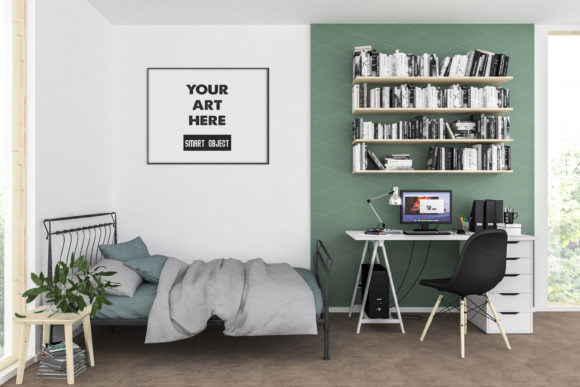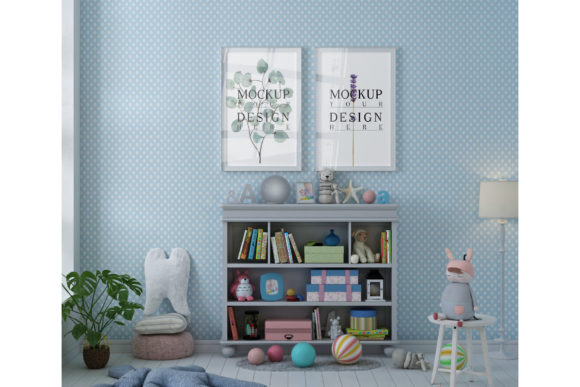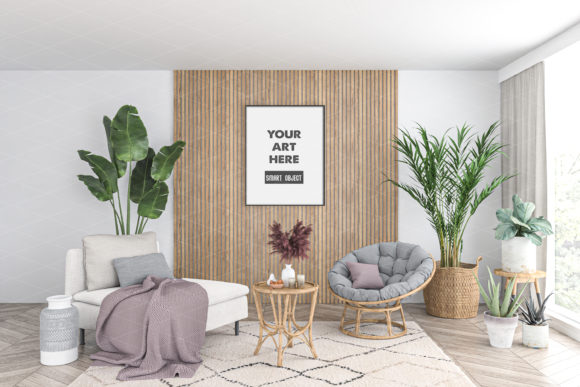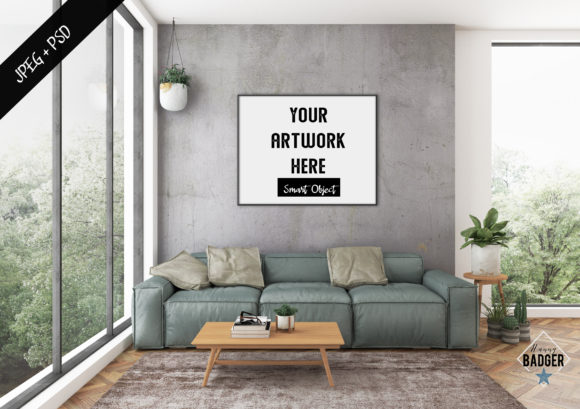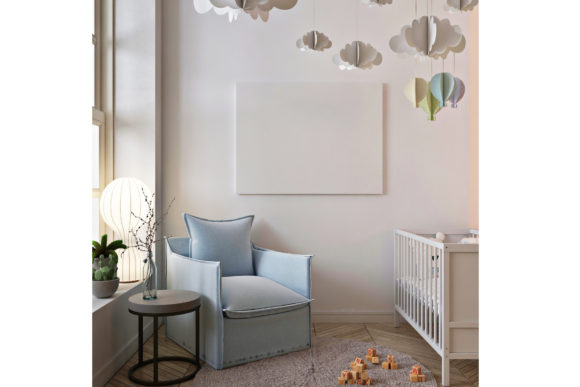
Poster Mockup in Baby Room with Armchair
If you're a creator, entrepreneur, or someone looking to showcase your artwork in a realistic setting, the Poster Mockup in Baby Room with Armchair is a powerful tool. This mockup lets you visualize how your art would look in a real-life space, making it easier for clients and customers to imagine your work in their own homes.
Why Use a Poster Mockup in a Baby Room?
A baby room is a unique space that blends comfort, style, and functionality. Using a poster mockup in this environment helps you show how your artwork can enhance a nursery or playroom. Whether you're selling prints online or sharing your work on social media, this mockup gives your audience a clear idea of how your pieces fit into a real home.
Imagine a parent browsing your online shop. They see a beautiful painting but aren’t sure how it would look in their child’s room. With a mockup like this, they can instantly visualize the artwork in a space that matters to them. This makes your products more relatable and increases the chances of a sale.
Real-World Use Cases for the Poster Mockup
This mockup isn’t just for artists. It has practical applications across different industries and personal projects. Here are some scenarios where it could be useful:
- Online Art Sellers: Display your prints in a baby room setting to attract parents looking for stylish decor for their children's spaces.
- Interior Designers: Use the mockup to show clients how specific artwork would complement their design choices.
- Bloggers and Influencers: Create engaging content that demonstrates how your artwork fits into everyday living spaces.
- Photographers: Showcase your photos in a realistic setting to help viewers understand the context and mood of your work.
- Small Business Owners: Use the mockup to create eye-catching visuals for social media campaigns or product listings.
How to Use the Poster Mockup in Baby Room with Armchair
The beauty of this mockup lies in its simplicity. Once you have the Photoshop PSD file, you can easily insert your image using the smart object layer. Here's how it works:
- Open the PSD file in Adobe Photoshop.
- Locate the smart object layer in the layers panel.
- Double-click on the smart object thumbnail to open a new window.
- Insert your artwork or photo into this window.
- Save the changes and return to the main document to see your image in the mockup.
The frame automatically adjusts to the size and ratio of your image, so you don’t have to worry about resizing or cropping. This makes the process quick and efficient, even if you’re not a Photoshop expert.
Customization Options and Flexibility
The Poster Mockup in Baby Room with Armchair offers several customization options. You can change the color of the bed or sofa to match your brand or the aesthetic of your artwork. This level of flexibility allows you to tailor the mockup to your specific needs, whether you're creating a cohesive look for your website or experimenting with different styles.
Since the file is layered, you can also adjust other elements like lighting or background details. This means you can create multiple versions of the same artwork in different settings, giving you more creative freedom and helping you reach a wider audience.
Who Can Benefit from This Mockup?
Many different types of users can benefit from this mockup, depending on their goals and creative process:
- Artists and Photographers: Show off their work in a realistic, appealing environment that highlights their talent.
- Entrepreneurs: Improve their online presence by using high-quality visuals that stand out in a crowded market.
- Marketers: Create compelling content that resonates with target audiences and drives engagement.
- Bloggers and Content Creators: Add visual appeal to their posts and make their content more informative and attractive.
- Parents and Hobbyists: Use the mockup to decorate their own spaces or share their creativity with others.
Considerations Before Using the Mockup
Before diving into using the Poster Mockup in Baby Room with Armchair, there are a few things to keep in mind:
- Software Requirements: You’ll need Adobe Photoshop to use the PSD file effectively. Make sure your version is compatible.
- Image Quality: The mockup looks best with high-resolution images. Low-quality files may not display well in the final output.
- Design Goals: Think about what you want to achieve with the mockup. Are you trying to sell products, build a portfolio, or engage an audience? Your goals will shape how you use the tool.
- Time Investment: While the process is straightforward, it still takes time to set up and experiment with different images and settings.
Final Thoughts
The Poster Mockup in Baby Room with Armchair is more than just a design tool—it’s a practical solution for anyone looking to showcase their work in a realistic, appealing way. Whether you're an artist, marketer, or small business owner, this mockup can help you connect with your audience and bring your vision to life.
By using this tool, you can create visuals that tell a story, spark interest, and ultimately drive results. And since it’s easy to use and highly customizable, it’s a valuable addition to any creative or commercial project.