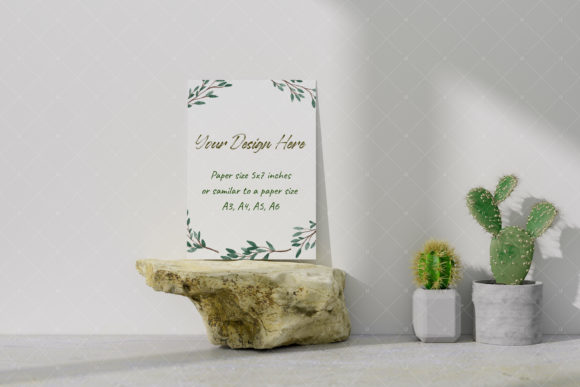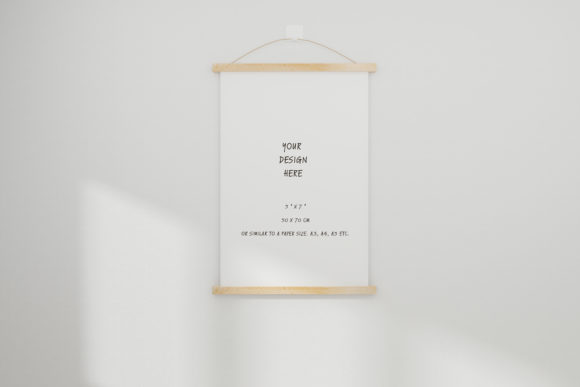
Photoframe and Canvas Mockup 17: A Practical Tool for Artists and Designers
For artists, illustrators, and designers, showcasing work effectively is essential. Whether you're presenting to clients, building a portfolio, or promoting your creations online, the right tools can make all the difference. The Photoframe and Canvas Mockup 17 offers a professional and efficient way to display artwork, illustrations, watercolors, and drawings. This mockup file supports your creative projects with high-quality visuals that instantly elevate your presentation.
What You’ll Receive
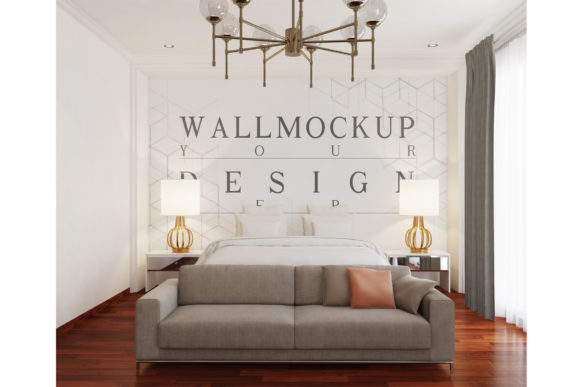
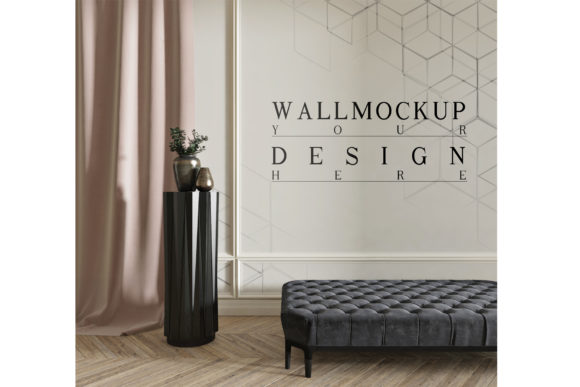
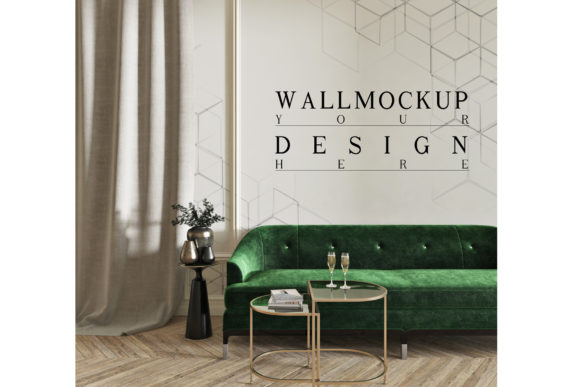
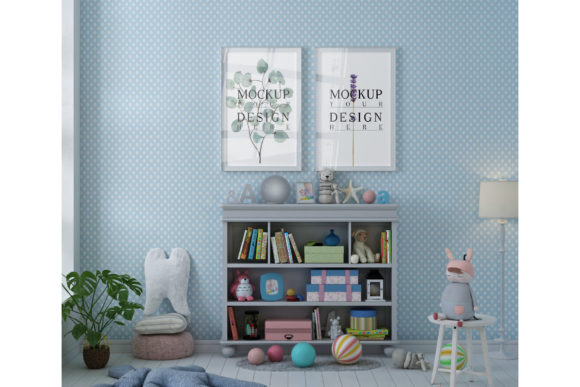
The Photoframe and Canvas Mockup 17 comes with two key files: a PSD mockup file and a JPG file. Both are high-resolution at 300 DPI, ensuring clarity and sharpness for both digital and print use. The PSD file includes a smart object layer, making it easy to place your design within the mockup without losing quality. The JPG version provides a clean white background, ideal for quick previews or social media sharing.
These files are designed to streamline your workflow. Instead of spending time creating a scene from scratch, you can focus on your artwork while the mockup handles the presentation. This makes it an excellent choice for those who want to save time without compromising on quality.
How It Works
The Photoframe and Canvas Mockup 17 is not a scene creator, which means you can’t move items or change the background. However, this limitation is actually a benefit. The mockup already sets up a realistic scene, so you don’t have to worry about lighting, perspective, or composition. All you need to do is place your design into the smart object layer, and you’re ready to go.
This simplicity is especially useful for professionals who need to present multiple pieces quickly. For example, an illustrator might use the mockup to show a series of character designs in different frame styles. A painter could demonstrate how a watercolor piece would look in a gallery setting. The mockup acts as a visual template, allowing you to focus on the art rather than the setup.
Why Use Real Photo Mockups?
Unlike virtual or digital mockups, the Photoframe and Canvas Mockup 17 uses real photographs. This gives your artwork a more authentic feel, making it easier for clients to visualize how their work will appear in real life. Real photo mockups also help highlight the details of your design, such as texture, color, and contrast, which can be crucial for decision-making.
When you use a real photo mockup, you’re not just showing a flat image—you’re creating a compelling visual story. This can be especially effective when pitching to potential clients or investors. A well-presented mockup can inspire confidence and demonstrate professionalism, increasing the chances of approval or sale.
Practical Benefits for Creative Professionals
For artists and designers, time is often a valuable resource. The Photoframe and Canvas Mockup 17 helps save time by providing a ready-made scene. This is particularly beneficial for those working on tight deadlines or managing multiple projects simultaneously.
Another advantage is the flexibility it offers. While the background and layout are fixed, the smart object layer allows for easy customization. You can update the design as needed without having to recreate the entire scene. This makes it ideal for iterative projects where changes are common.
Additionally, the high-resolution files ensure that your mockups look great on any platform. Whether you’re sharing them online, printing them for a physical portfolio, or using them in presentations, the quality remains consistent. This reliability is important for maintaining a professional image.
Use Cases and Scenarios
The Photoframe and Canvas Mockup 17 is versatile enough to fit a variety of creative workflows. Here are a few examples:
- Client Presentations: Showcasing artwork in a realistic frame can help clients better understand how the final product will look. This is especially useful for freelance artists or graphic designers who need to secure approvals before production.
- Portfolio Development: Building a strong portfolio is essential for many creatives. Using a mockup like this can add a polished touch to your work, making it stand out in a competitive market.
- Marketing Materials: Whether you’re promoting your art on social media or creating promotional content for a gallery, the mockup provides a professional-looking backdrop that enhances your message.
These scenarios illustrate how the mockup can be integrated into daily tasks, improving efficiency and effectiveness.
Considerations Before Using the Mockup
Before using the Photoframe and Canvas Mockup 17, there are a few things to keep in mind. First, the mockup is not a scene creator, so you won’t be able to rearrange elements or change the background. If you need more flexibility, you may need to look for alternative options.
Second, the mockup is designed for specific types of artwork. While it works well for paintings, illustrations, and drawings, it may not be suitable for every style or format. Always test the mockup with your work to ensure it meets your needs.
Lastly, consider the software requirements. The PSD file requires Adobe Photoshop or a compatible program. If you don’t have access to this software, the JPG file can still be used for basic previews and sharing.
Support and Assistance
If you have any questions about the Photoframe and Canvas Mockup 17, don’t hesitate to reach out. The support team is available to help with any issues or concerns. Whether you need guidance on using the smart object layer or want to discuss customization options, they’re here to assist you.
By offering clear instructions and reliable support, the creators of this mockup ensure that users can get the most out of their purchase. This level of service is a valuable addition to the product, making it even more appealing for creative professionals.